
KrabiClaw MCP
Your website. Your assistant.
Change a menu. Publish a page. Set nightly prices. Check upcoming stays. Connect KrabiClaw to Claude, ChatGPT or a compatible MCP client, and put your conversation to work.
From a conversation to a change
What would you like to get done?
Name your business and describe the job. Your assistant works with the same website content, homes, bookings, guest conversations and permissions as your dashboard.
Explore the templates- ChatGPT
- Claude
- MCP
A few places to start
- For my restaurant, change the lunch special’s price to 290 baht.
- For my law firm, draft a clearer introduction to our family-law page.
- For my pottery studio, show this week’s class bookings.
- For [home name] in my lodging business, show nightly prices and unavailable dates from [arrival date] to [departure date].
- 01 Keep your menu current
- 02 Give your firm a voice
- 03 See what’s coming up
- 04 Plan the next stay
Your real website
The conversation has somewhere to go.
Your menus, practice areas, experiences, home listings, photos and posts already have a home in KrabiClaw. Your assistant can read and update supported content there, while your dashboard remains ready whenever you want to work directly.
Explore Saya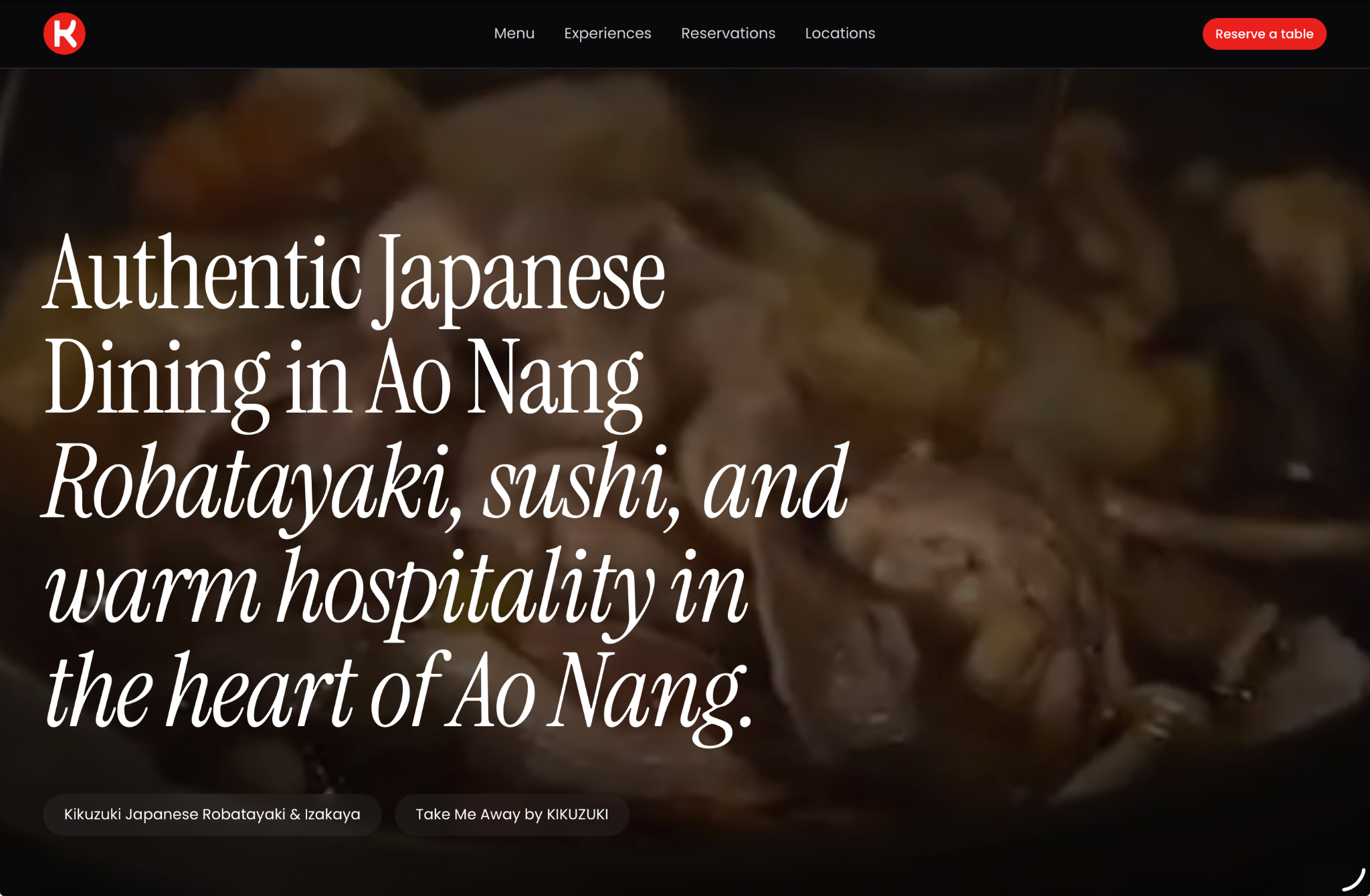
Kikuzuki’s live website, built with KrabiClaw.
Bring the assistant you like working with.
Claude
Add KrabiClaw as a custom connector. Choose Claude’s published identity when offered, then sign in to KrabiClaw.
Claude connection guideChatGPT
Add the KrabiClaw MCP server as a custom plugin with OAuth, install it and select KrabiClaw in your conversation.
ChatGPT connection guideOther MCP clients
Use a client that supports remote HTTP MCP and compatible OAuth sign-in. Connection options and available features depend on your client and workspace.
Get help connectingOne connection. Your real business.
Custom connections depend on your assistant’s plan and workspace settings. Use KrabiClaw sign-in to connect the account you already use.
- 01
Start with your business
Create a KrabiClaw account, or sign in to the one that already manages your website. You can build in the dashboard or ask a connected assistant to help with a website draft. - 02
Add KrabiClaw
In your client’s custom MCP connection settings, enter https://krabiclaw.com/api/mcp and choose OAuth sign-in. Follow the guide for your client above, then select KrabiClaw in your conversation.https://krabiclaw.com/api/mcp - 03
Make the first request
Sign in to KrabiClaw and review the access request. Then try: “List my KrabiClaw websites. For the site called [your business name], summarize the homepage without changing anything.”
A familiar way to work. You stay in control.
Your people. Your permissions.
Your assistant uses your KrabiClaw account’s access to each business. Name the website or location you want to work on, and review changes before publishing.
Start free. Grow when you’re ready.
MCP works with your plan's features. Growth adds paid website and publishing capabilities; Business brings online payments, direct paid stay booking and advertising. Payment actions that move money stay in the dashboard.
Compare plansKeep the right tools close.
Work with photos and videos already in your media library. Chat attachments depend on client support. Use the dashboard for domains, Google Places lookup and connecting external accounts.
Put your next idea to work.
Start with a free website. Bring your assistant when you’re ready.