
Restaurants on tap.
A restaurant website that brings your menu, your places and your people together. Keep it current with KrabiClaw, through your dashboard, ChatGPT or Claude.
Restaurant websites
Let the menu do the talking.
Give your dishes, prices and photos a place of their own. Guests can explore your menu on their phones, find the right location and get a feel for the restaurant before they arrive.
Visit Kikuzuki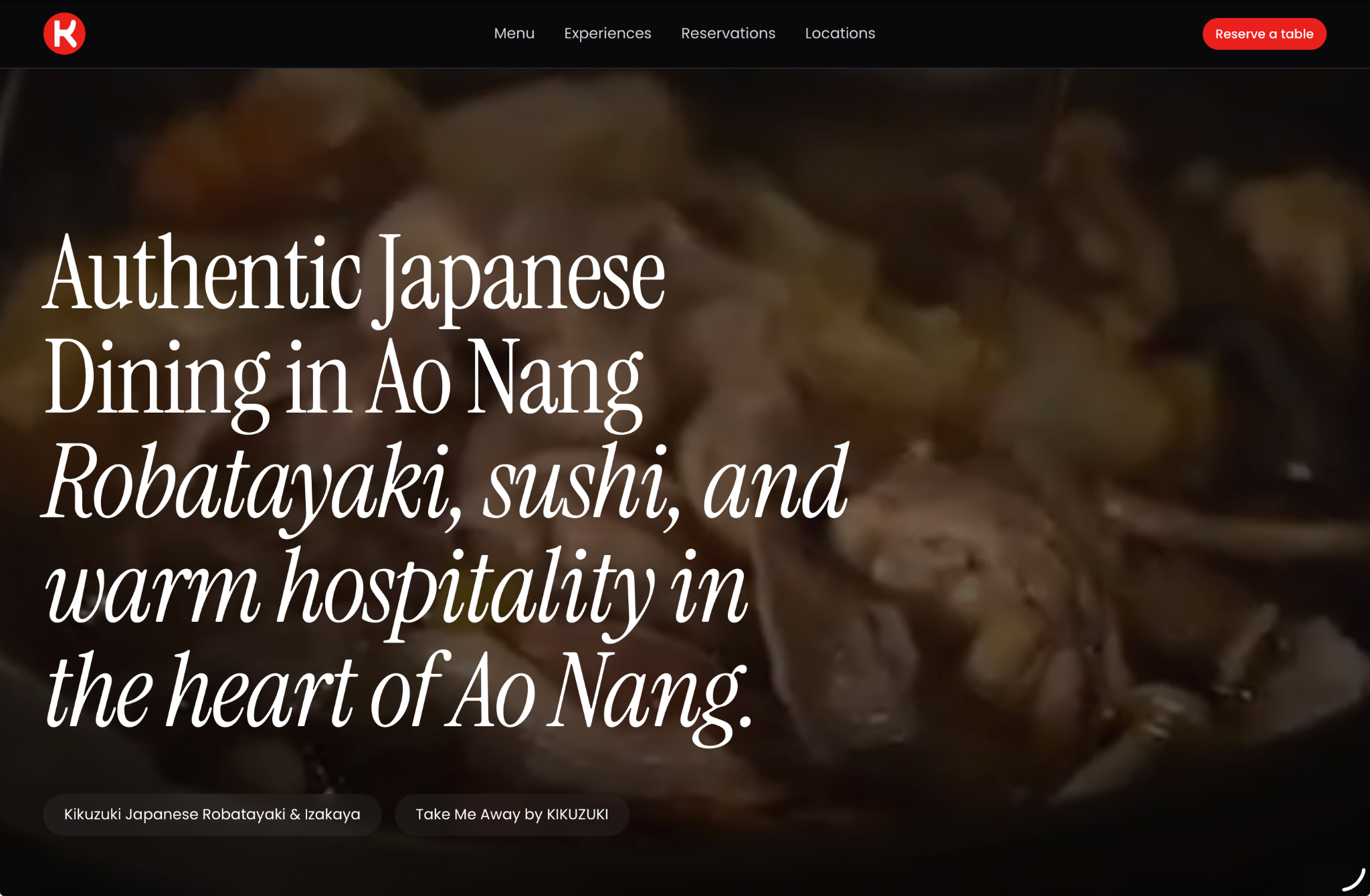
Kikuzuki’s own point of view, brought to life on a KrabiClaw website.
Reservations & guest inquiries
A table. A time. A clear next step.
Bring opening hours, directions and table reservations together. Guests choose where and when they would like to visit. You keep their requests and conversations in one place, with booking notifications by email.
Explore bookings and calendars
A warm welcome starts before your guests walk through the door.
Keep your website current
Keep up with your kitchen.
A new dish, a different price, a better photo. Manage supported updates in your dashboard or ask your connected assistant. Choose the location you mean and review the details before publishing.
See how to connect your assistant- ChatGPT
- Claude
- MCP
A few things you could ask
- Add tonight’s special.
- Update our opening hours.
- Share our latest photos.
- 01 Describe the change
- 02 Review the details
- 03 Make it happen
Made for real restaurants
Two locations. One point of view.
Kikuzuki brings Japanese dining in Ao Nang and Take Me Away by KIKUZUKI in Nong Thale together online. Each location has its own details, with menus, photos and a direct route to reservations.
Explore Kikuzuki’s website
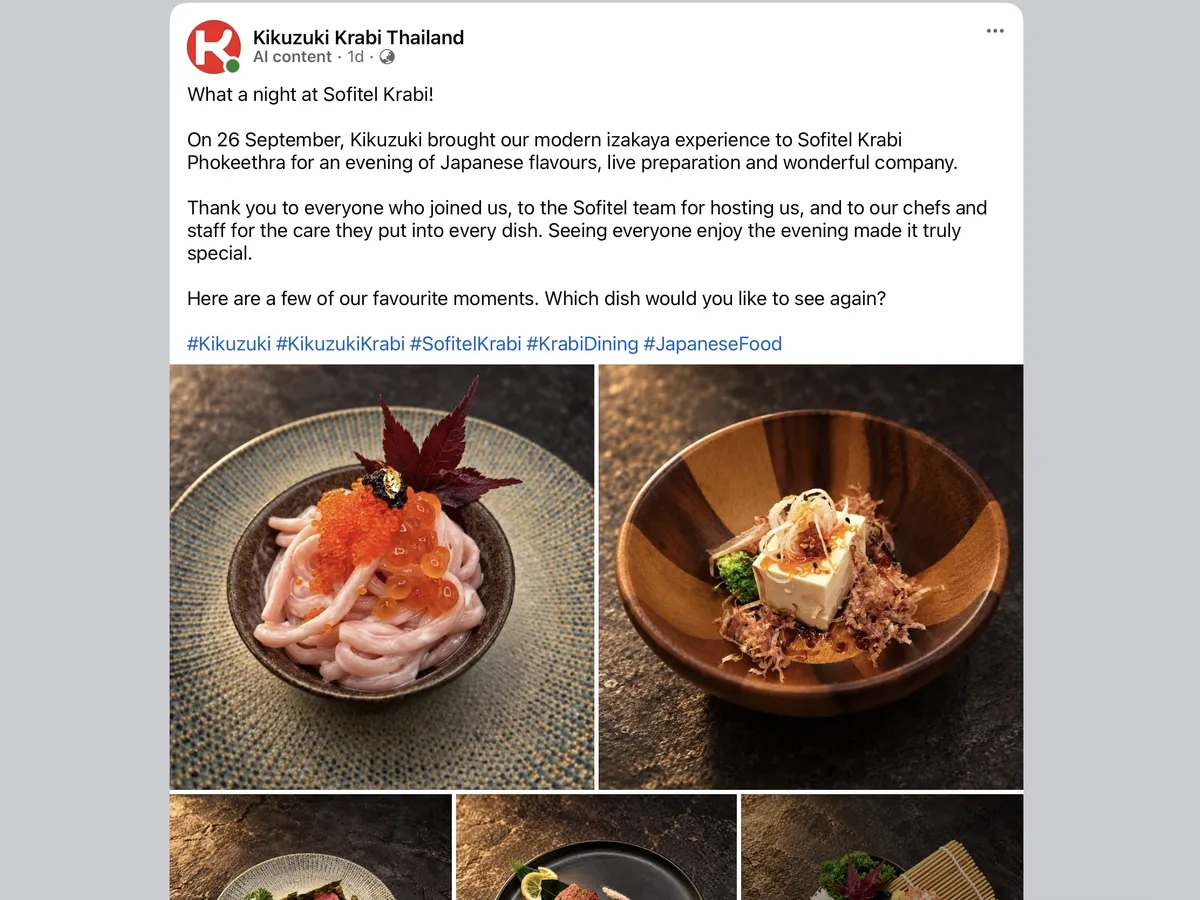
Real places. Real food. A website that feels like the restaurant.
Room for your next chapter.
Your restaurant. Your address.
Start on a free KrabiClaw subdomain. Connect your own domain with an eligible paid plan when you are ready.
Compare plansKeep the details close to home.
Manage location details and import a selected Google Places listing. Eligible plans add re-imports and weekly Google review refreshes.
See how locations workA few questions before you open.
Are reservations and online payments priced the same way?
How do I update my menu?
Can I use my restaurant's own domain?
How do Google Places imports work?
Can I manage more than one restaurant?
Do I have to replace my current website straight away?