Create your KrabiClaw account
Sign up for KrabiClaw, open your dashboard, and continue to the first-site walkthrough.
2 min read
Your KrabiClaw account gives you access to the dashboard where you create and manage your business website. ChatGPT is optional and can be connected after the site exists.
Create your account
- Open Create your account.
- Complete the sign-up steps shown on the page and any verification requested.
- After signing in, continue to onboarding to set up your first business website.
If you already have an account, use it to open the dashboard rather than creating another one. If a teammate invited you to an existing business, follow that invitation and check that the correct business appears in your dashboard.
What happens next
Account creation and site publication are separate. In onboarding, you enter your business details and review a private preview. The site is only activated when you explicitly choose Create my site.
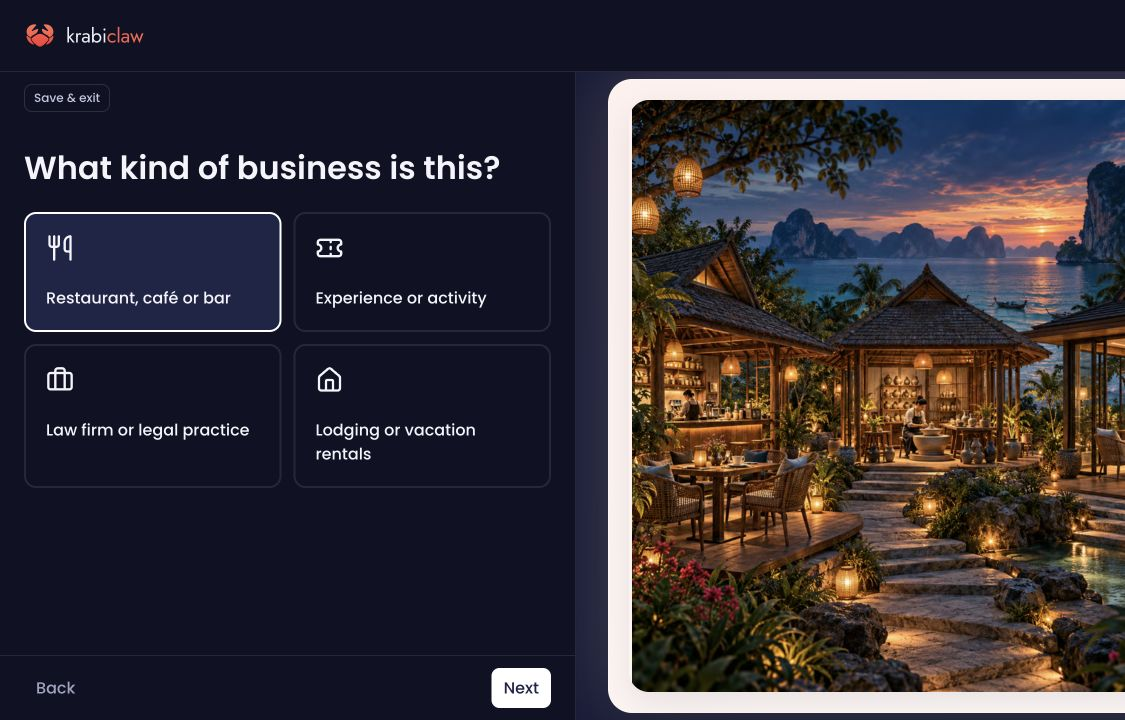
Choose the business type that matches your business: Restaurant, café or bar; Experience or activity; Law firm or legal practice; or Lodging or vacation rentals.
Continue with Create and publish your first site for the full setup, required fields, and live-site checks. Lodging hosts then use Set up a lodging website to add their homes, nightly prices and booking requirements.
If you cannot find your business
Check that you signed in with the account used to create the site or accept its invitation. An existing site should not need to be recreated just because it is missing from a different account.